
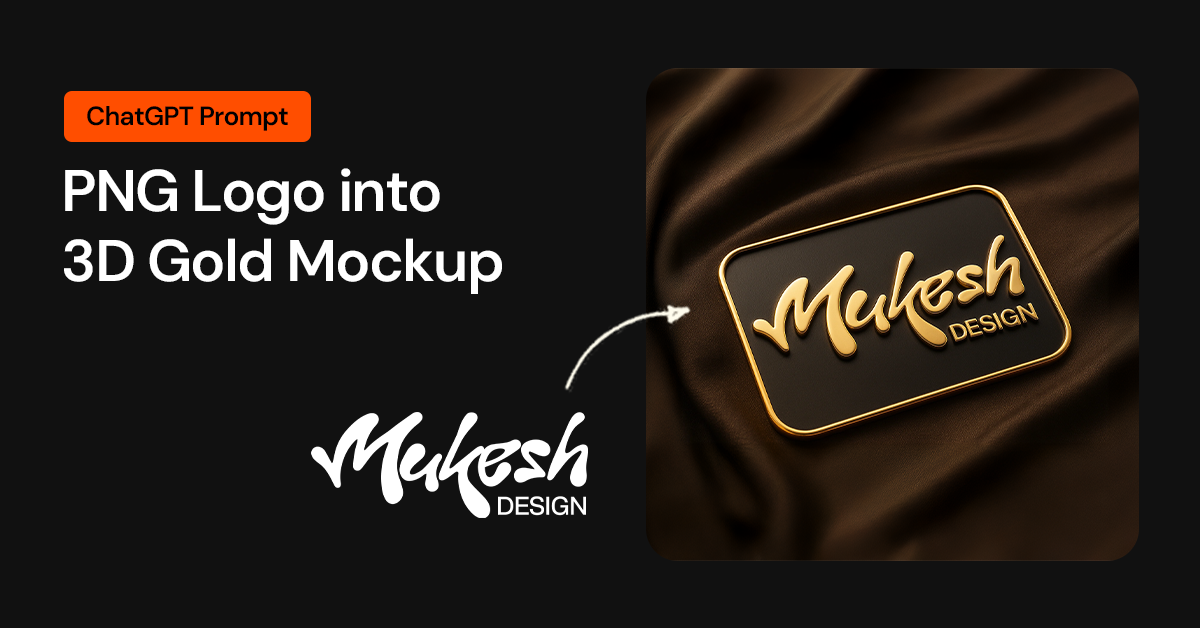
Flat logos often look lifeless when shown on a plain background. As designers, we know presentation matters as much as the design itself. A strong mockup can make even a simple logo feel premium and polished.
Recently, I tried an experiment with my own flat PNG logo. Instead of building a mockup from scratch in Photoshop, I used ChatGPT to generate a 3D gold embossed version — and the result looked like something straight out of a luxury branding catalog.
👉 See the full process here: Turn Your Flat PNG Logo into a 3D Gold Mockup
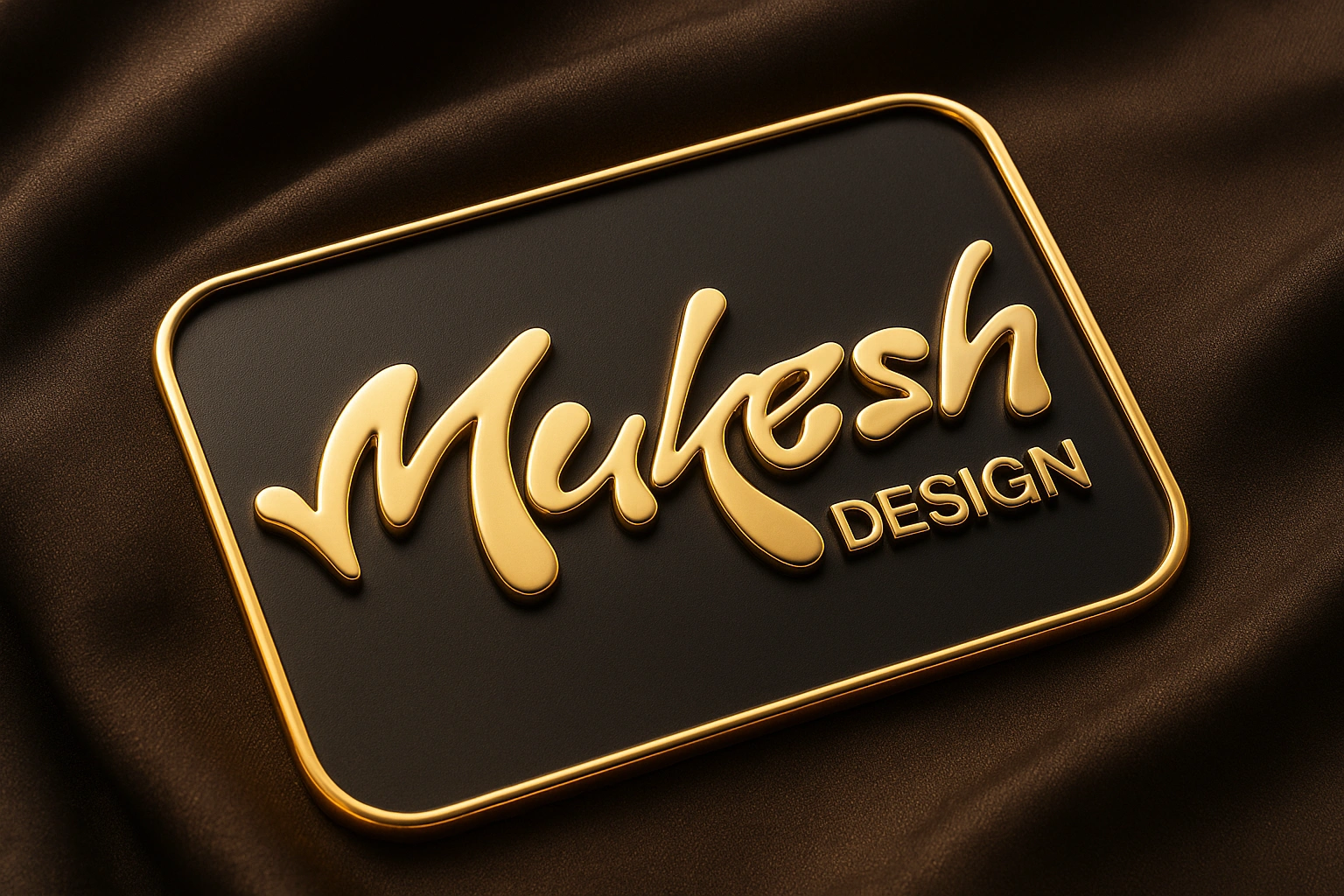 |
| Image Credit: Mukesh K Design |
The transformation was impressive. The logo had glossy gold highlights, realistic shadows, and sat on a textured fabric background that made it look presentation-ready. What usually takes layers, blending modes, and endless adjustments in Photoshop happened in minutes.
What makes this method powerful is the flexibility. You’re not limited to gold, silver, rose gold, or platinum; effects can easily be applied. You can also experiment with darker tones or fabric textures to create depth and variety.
For designers, freelancers, or entrepreneurs, this trick is a real time-saver. It’s perfect for quick client presentations, portfolios, or even social media posts where you want your brand identity to stand out.
If you’re curious about how I set it up and want to try it with your own logo, I’ve shared the exact steps and customization tips in my blog.
👉 Read the complete guide here: Turn Your Flat PNG Logo into a 3D Gold Mockup.


Social Plugin